
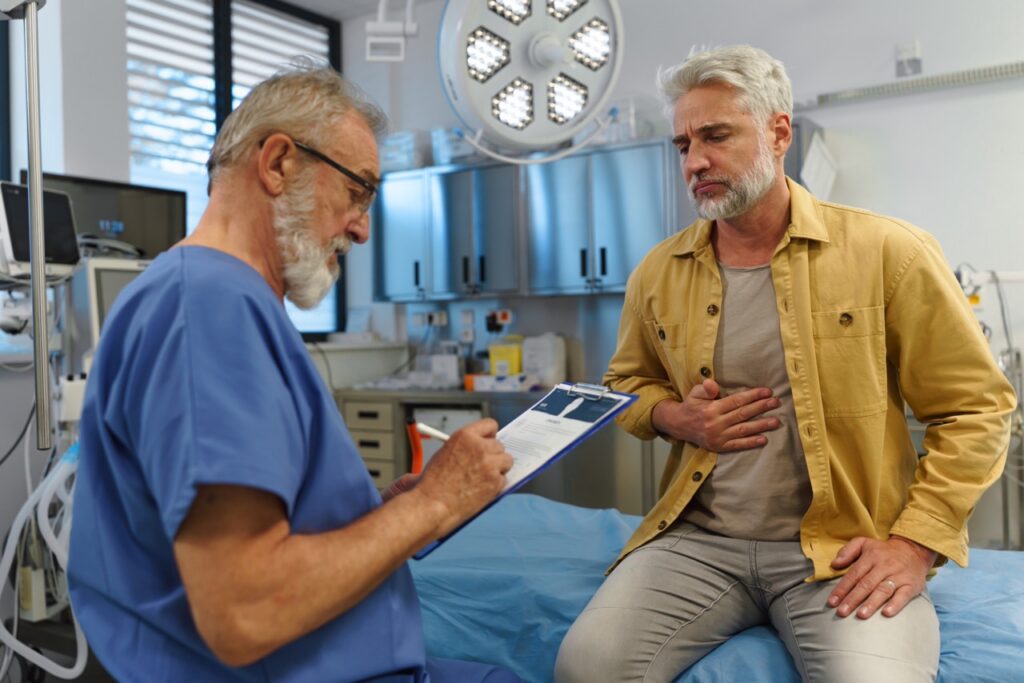
An urgent care center sits in an unusual place in the healthcare system. Patients arrive without appointments, often from outside the center’s own network. They have a primary care physician somewhere else, sometimes several specialists, and a pharmacy of their choice. The center treats the problem in front of it, then has to make sure the right people elsewhere find out.
That outward flow of information is where fax earns its place. Urgent care teams exchange documents with primary care practices, specialists, hospitals, laboratories, imaging centers, employers, and payers, and most of those organizations are on different systems. Fax is the channel that reaches them without anyone having to set up a connection first.
Sending Visit Summaries to the Primary Care Physician
When a patient is seen for an acute illness or injury, the patient’s regular physician usually needs to know. A visit summary, along with any results, goes to the primary care office so the record stays complete and follow-up is possible. Many urgent care centers send these by fax because the destination practice may not share a system with them.
The value of the summary depends on its arrival. If it sits in the wrong queue at the primary care office, or never arrives, the physician learns about the visit only when the patient mentions it, if at all. Delivery confirmation tells the center that the document reached the destination number, and the post on how primary care practices use fax to manage specialist referrals and inbound results describes how the receiving side handles it.
Referrals to Specialists and Emergency Departments
Some patients need more than an urgent care center can provide. A suspected fracture needs orthopedics. A concerning ECG needs cardiology. A patient who needs hospital-level care has to be sent to an emergency department. In each case the center sends clinical information ahead so the receiving team is prepared.
For emergency transfers, speed and certainty matter. The post on how emergency departments use fax for transfers and external communication covers the receiving side of that workflow. For the urgent care center, the practical needs are a reliable transmission, a quick way to confirm it arrived, and an alert if it did not.
Laboratory and Imaging Results
Many urgent care centers send specimens to outside laboratories and order imaging at partner centers. Results come back by fax or through an interface, depending on the laboratory. Orders go out by fax to reach the imaging center. The post on how outpatient imaging centers handle fax-heavy referral workflows and the post on how outpatient clinics handle lab result communication describe both ends.
Because urgent care patients leave the building before outside results come back, someone has to act on those results afterward. A result that arrives in a shared pile and sits until the end of the week can be a clinical problem, such as a positive culture that requires a call to the patient. Routing inbound results to a dedicated queue, reviewed by a named role, closes that gap. Passport’s workgroup routing provides the mechanism.
Records Requests and Release of Information
Patients ask for their records. Other providers ask for them. Employers request documentation of visits. Insurers request records to support claims. These requests often arrive by fax, and the responses leave by fax. They carry privacy obligations, so the request has to be verified, the right authorization has to be in place, and the response has to reach the right destination.
A dedicated number and queue for records requests keeps them separate from clinical traffic, and the transmission record documents when a response was sent. The post on how health information management teams use fax for medical record releases covers the workflow in detail.
Workers’ Compensation and Employer Communication
Urgent care centers often treat work-related injuries. Documentation such as work status forms, return-to-work notes, and injury reports goes to employers and workers’ compensation carriers. These documents are time-sensitive for the employee and legally significant for the employer. Sending them by fax with confirmed delivery gives everyone a record of when they were provided.
Multi-Site Operations
Many urgent care operators run multiple locations, often growing quickly through new sites or acquisitions. That creates the same pattern described in the post on what happens to fax when organizations consolidate and merge: separate fax setups at separate sites, with inconsistent compliance and no central view. Centralized administration through Passport lets the operator manage numbers, routing, and monitoring for every location from one place, as the post on centralized fax administration across multiple sites explains. For smaller operators with a few locations, the post on Passport Small Business Edition may be a better fit.
What Matters Most for Urgent Care
Compared with other settings, urgent care has a few distinctive needs:
- Fast onboarding of new locations
- Reliable communication with many outside organizations the center does not control
- Clear ownership of outside results that arrive after the patient has left
- A compliance posture that scales with the number of sites
- Staff who change frequently, which makes simple, consistent workflows important
Reliable fax infrastructure supports all of these without requiring clinical staff to think about it.
Schedule a strategy call with the Lane team to discuss how Passport supports urgent care fax workflows, from a single location to a growing network.